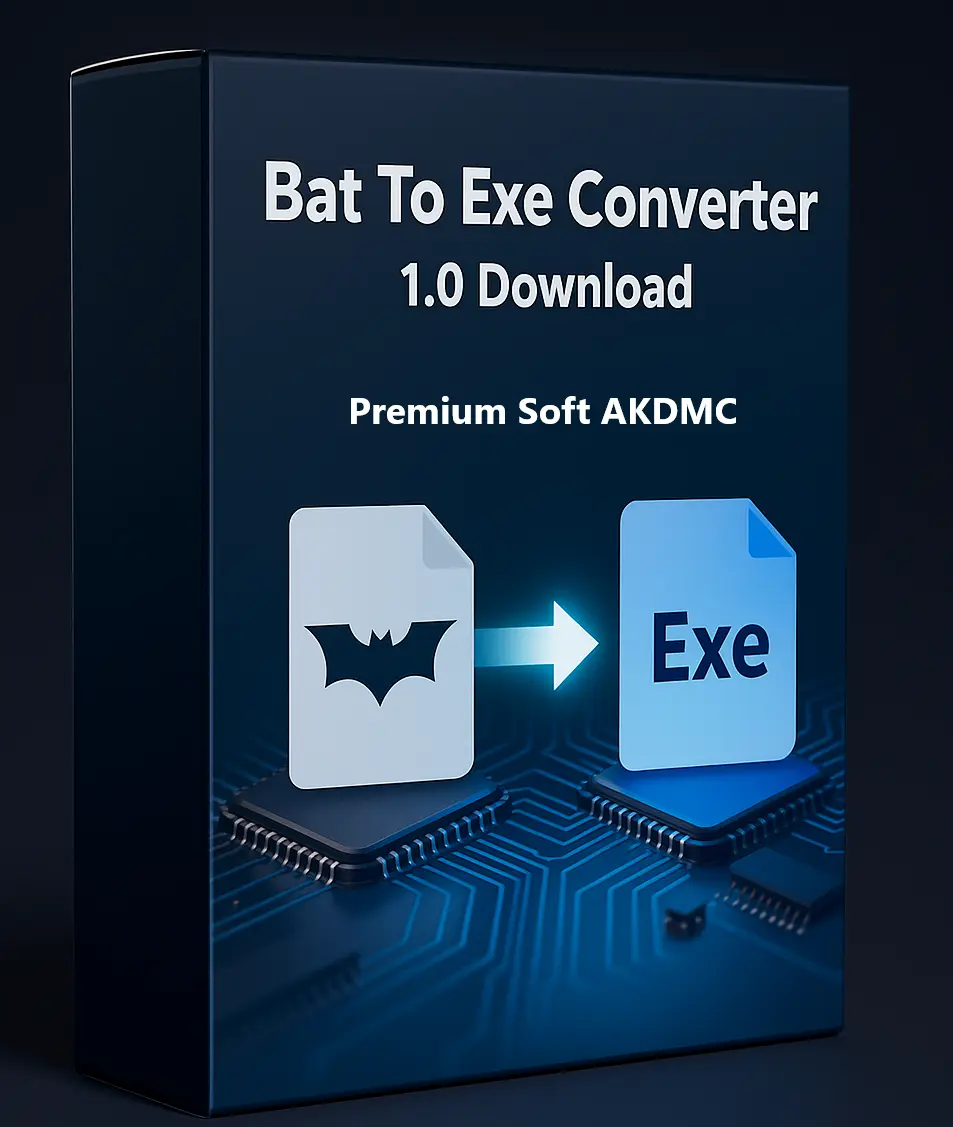
Bat To Exe Converter 1.0 is a powerful yet lightweight Windows tool that allows developers and programmers to easily convert batch script files (.BAT) into standalone executable files (.EXE). Whether you’re a beginner or a professional coder, this software helps you turn your command-line scripts into professional, portable, and secure applications.
🔹 What Is Bat To Exe Converter 1.0?
Bat To Exe Converter 1.0 is an efficient software utility designed to compile batch files into executable programs. It eliminates the need for manual command-line conversions and provides a user-friendly interface with built-in customization and security options. The generated EXE files run seamlessly on all Windows versions, including both 32-bit and 64-bit systems.
⚙️ Top Features
-
Easy BAT to EXE Conversion: Instantly convert your .bat scripts into .exe files using a simple drag-and-drop interface.
-
Password Protection: Secure your compiled files with custom passwords to prevent unauthorized access.
-
File Encryption: Protect your EXE files from malware, decompilation, and reverse engineering.
-
Custom Metadata: Add your company name, file version, internal name, and copyright info.
-
Visibility Options: Choose whether your EXE runs visibly or silently in the background.
-
Supports 32-bit & 64-bit: Works flawlessly on all Windows architectures.
-
Decompiler Option: Convert EXE files back to BAT (password required for protected files).
-
Temporary File Removal: Automatically deletes temporary files after conversion.
-
Run as Administrator: Grant administrator privileges to your converted applications easily.
🧭 How to Use Bat To Exe Converter 1.0
-
Download and install the software from a trusted source.
-
Drag and drop your .bat file into the converter window.
-
Click the Convert button, set your output name and save location.
-
(Optional) Apply password protection, add copyright info, or modify metadata.
With its built-in editor, you can also create or edit batch scripts directly within the software — ideal for programmers who like to tweak their code before compiling.
🔐 Is Bat To Exe Converter Safe?
Yes. Bat To Exe Converter 1.0 is safe to use as long as you download it from verified sources. It provides encryption and password protection features that keep your files secure and prevent unauthorized access or tampering.
💡 Why Choose Bat To Exe Converter 1.0?
-
User-friendly interface
-
Lightweight and fast performance
-
Free to use for personal and professional projects
-
Advanced security options (encryption & password)
-
Ability to reverse EXE back to BAT
-
Compatible with all modern Windows versions
🧩 Related Software Categories
Explore more developer utilities and Windows tools in our Software section. You’ll find regularly updated and verified programs for your coding, automation, and productivity needs.







Reviews
There are no reviews yet.